
ExamDiff Pro tutorial · Git
How to Use ExamDiff Pro as Your Git Diff and Merge Tool
Set up ExamDiff Pro as Git's diff and merge tool with two commands, see your changes side by side with git difftool, and resolve merge conflicts in a three-way merge with git mergetool.
Video
Steps
- Tell Git to use ExamDiff Pro. In a command window, enter:
git config --global diff.tool examdiff
git config --global merge.tool examdiff
Git (version 2.9 or later) knows ExamDiff Pro and finds it in its install folder. To skip Git's "Launch 'examdiff'?" question each time, also enter:git config --global difftool.prompt false git config --global mergetool.prompt false - To see your uncommitted changes, enter:
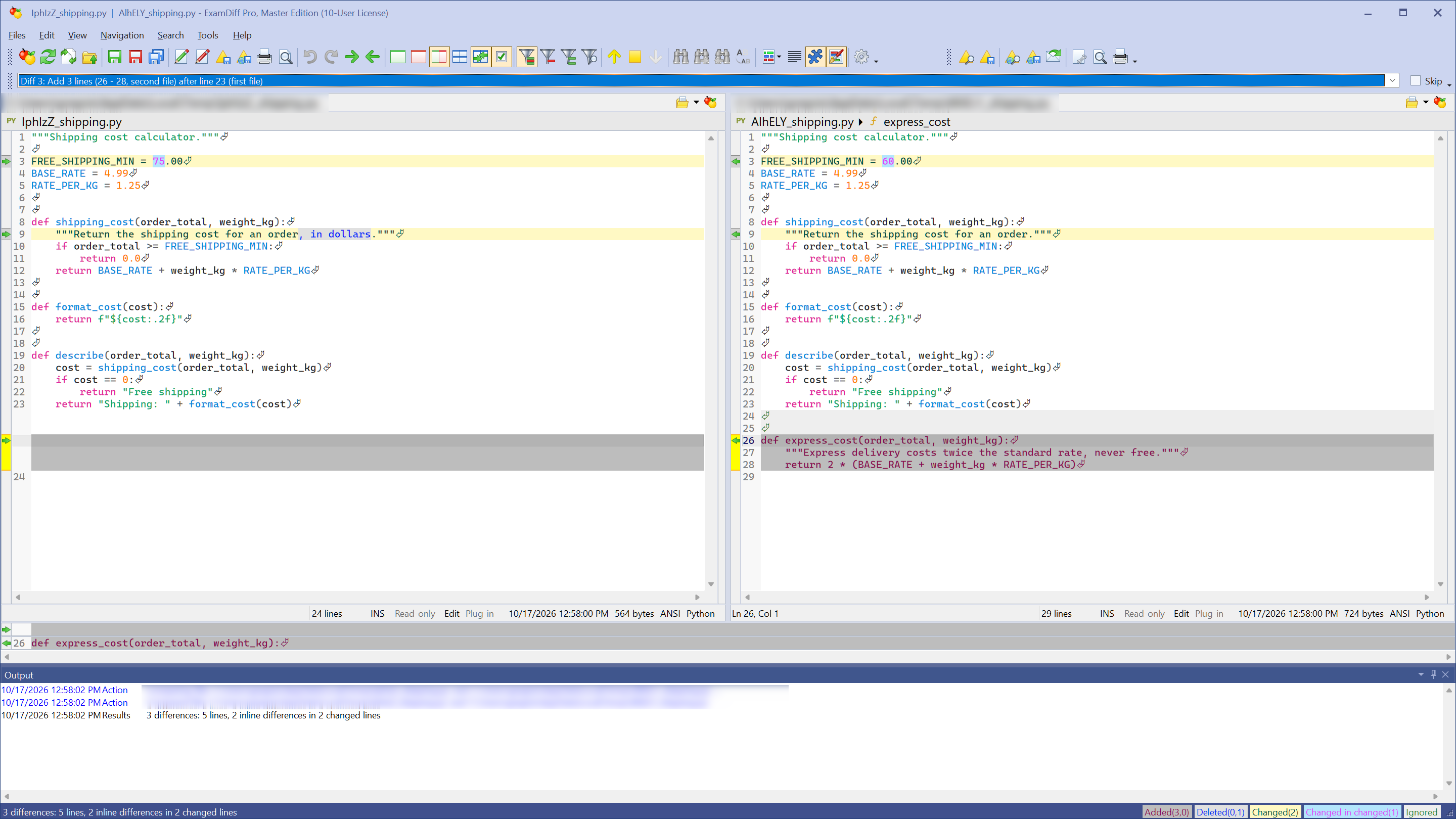
git difftoolOr name what to compare, for examplegit difftool main featurefor two branches orgit difftool HEAD~1for the last commit. Each changed file opens in ExamDiff Pro side by side; exit ExamDiff Pro to go on to the next one. To see all changed files at once as a folder comparison, add--dir-diff.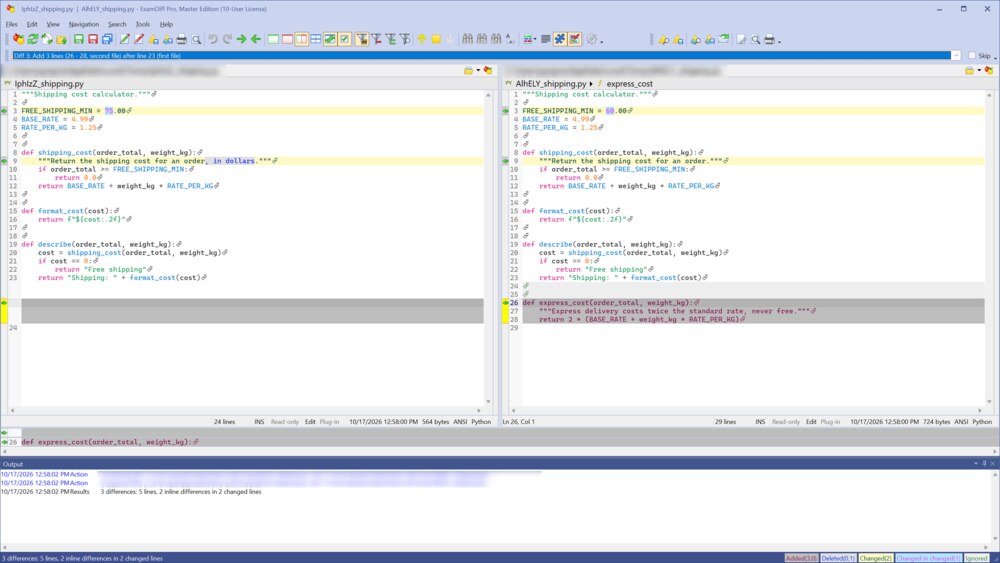
- When
git merge(orgit rebase,git cherry-pick, orgit pull) stops with a merge conflict, enter:git mergetool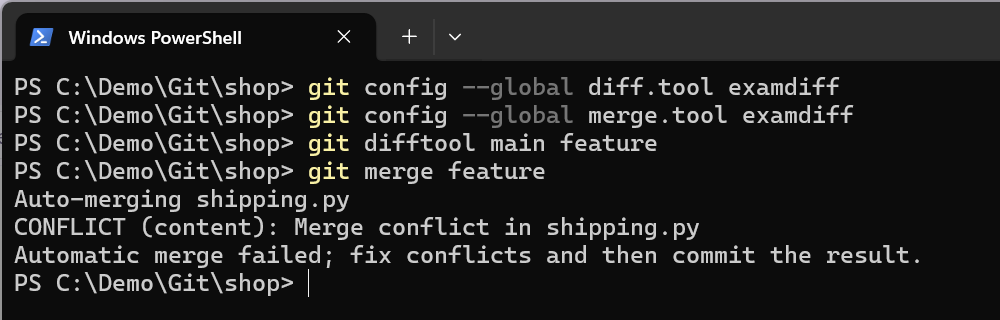
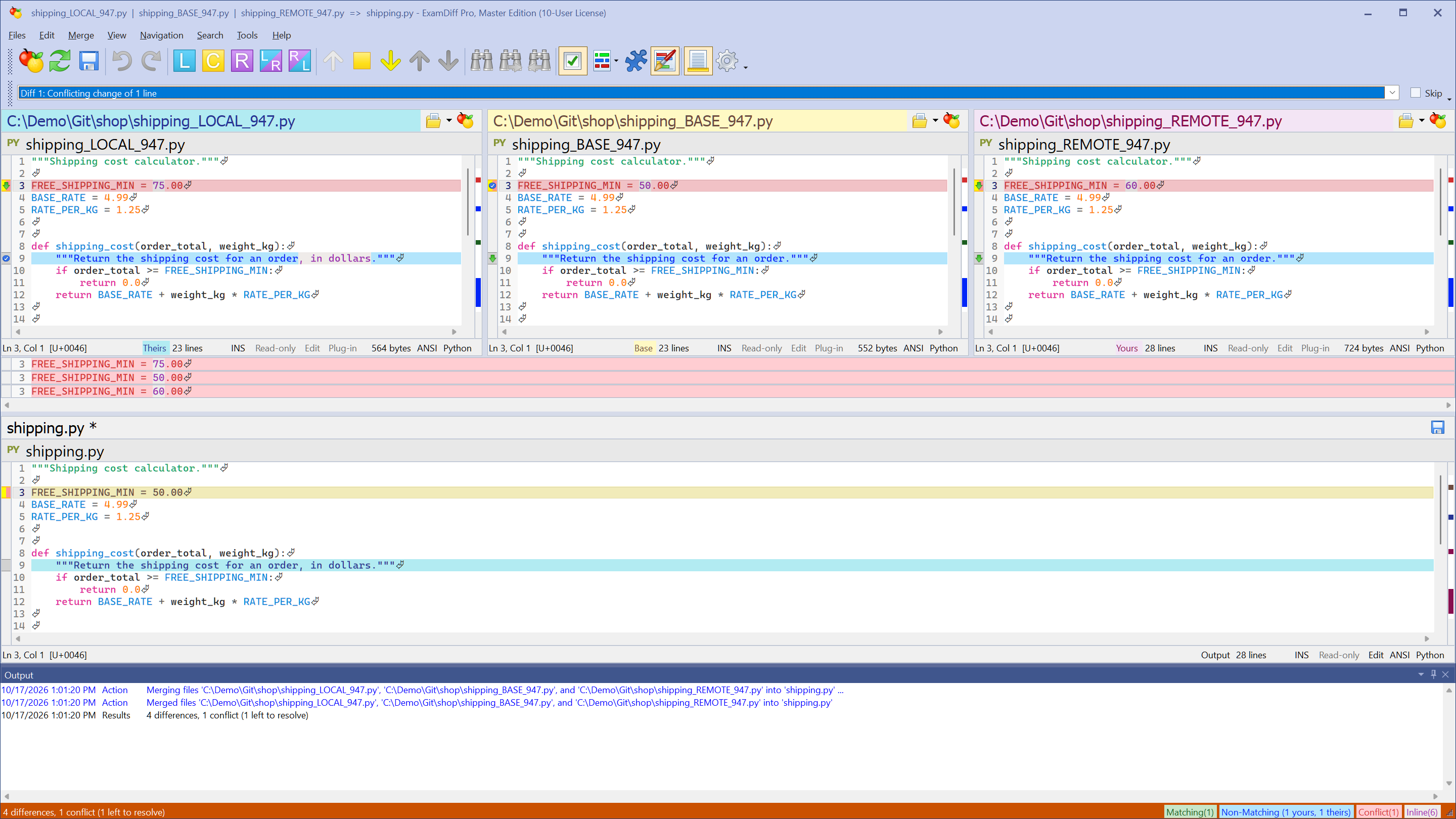
- ExamDiff Pro opens each conflicted file in a three-way merge: your current branch on the left (LOCAL in the pane title), the version both branches started from in the center (BASE), and the branch you are merging in on the right (REMOTE). Changes made in only one branch are already merged into the bottom pane, and the first conflict is selected and marked red.
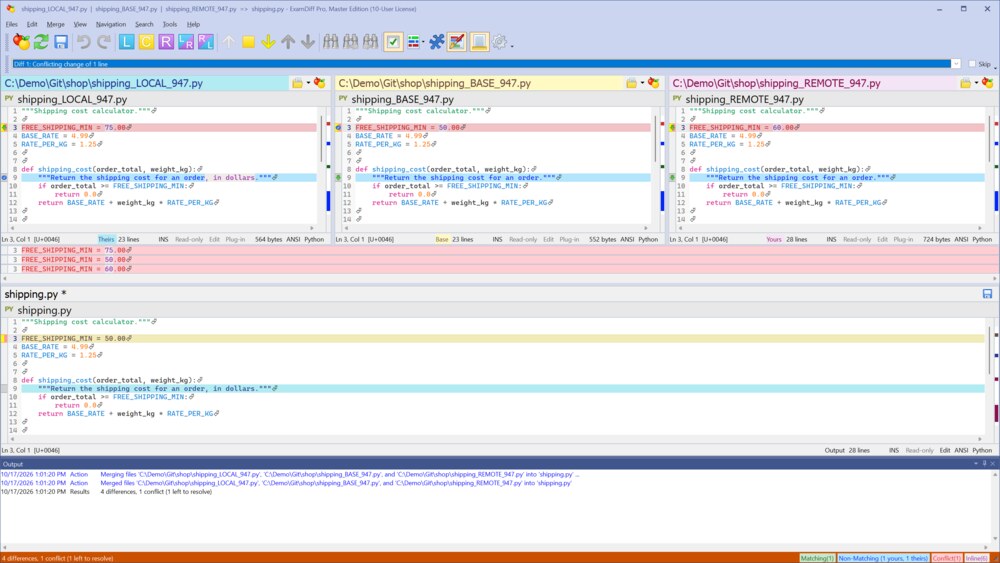
- For each conflict, choose Merge | Use Left or Use Right (or Use Center, Use Left, Then Right, Use Right, Then Left), or type the text you want in the merge pane. Then choose Files | Save Merge Results and Files | Exit. Git moves on to the next conflicted file, if there is one.
- Commit the merge as usual, for example with
git commit.
Questions
ExamDiff Pro is installed in a different folder. How do I tell Git?
Give Git the path, with forward slashes:
git config --global difftool.examdiff.path "C:/Tools/ExamDiff Pro/ExamDiff.exe"
git config --global mergetool.examdiff.path "C:/Tools/ExamDiff Pro/ExamDiff.exe"
Is there a ready-made configuration?
Yes. The examdiff-git-config repository on GitHub has a configuration file you can include in your .gitconfig. For Visual Studio, SourceTree, Git on WSL, and other version control systems, see Version control integration.
Which edition do I need?
git difftool works with both editions. Three-way merge, used by git mergetool, is part of the Master edition. The free 30-day trial includes all Master edition features.